
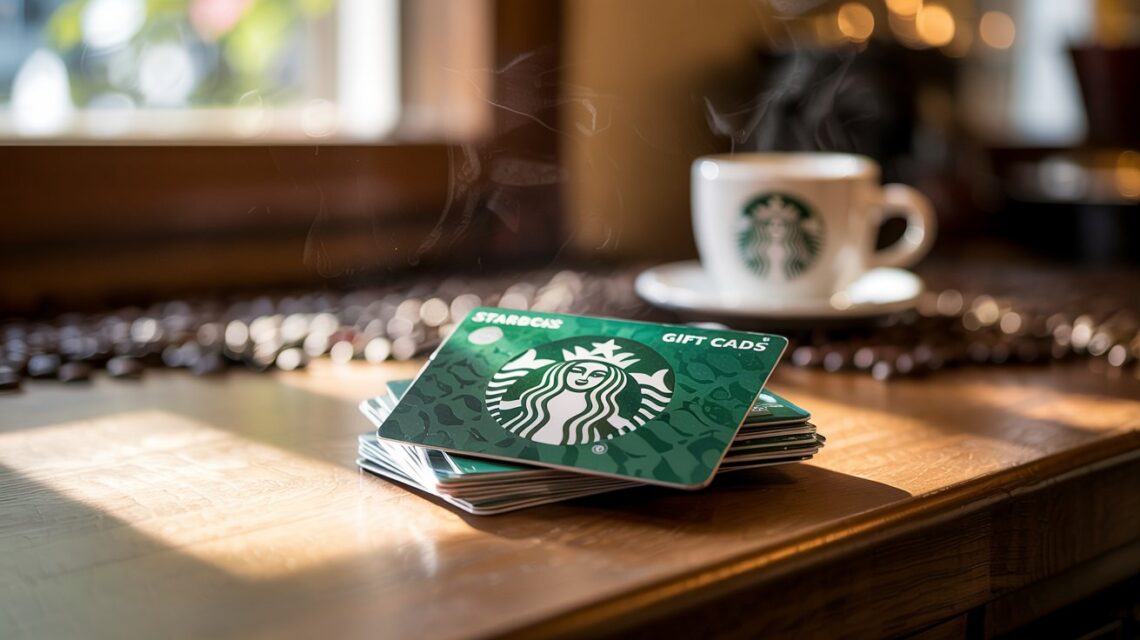
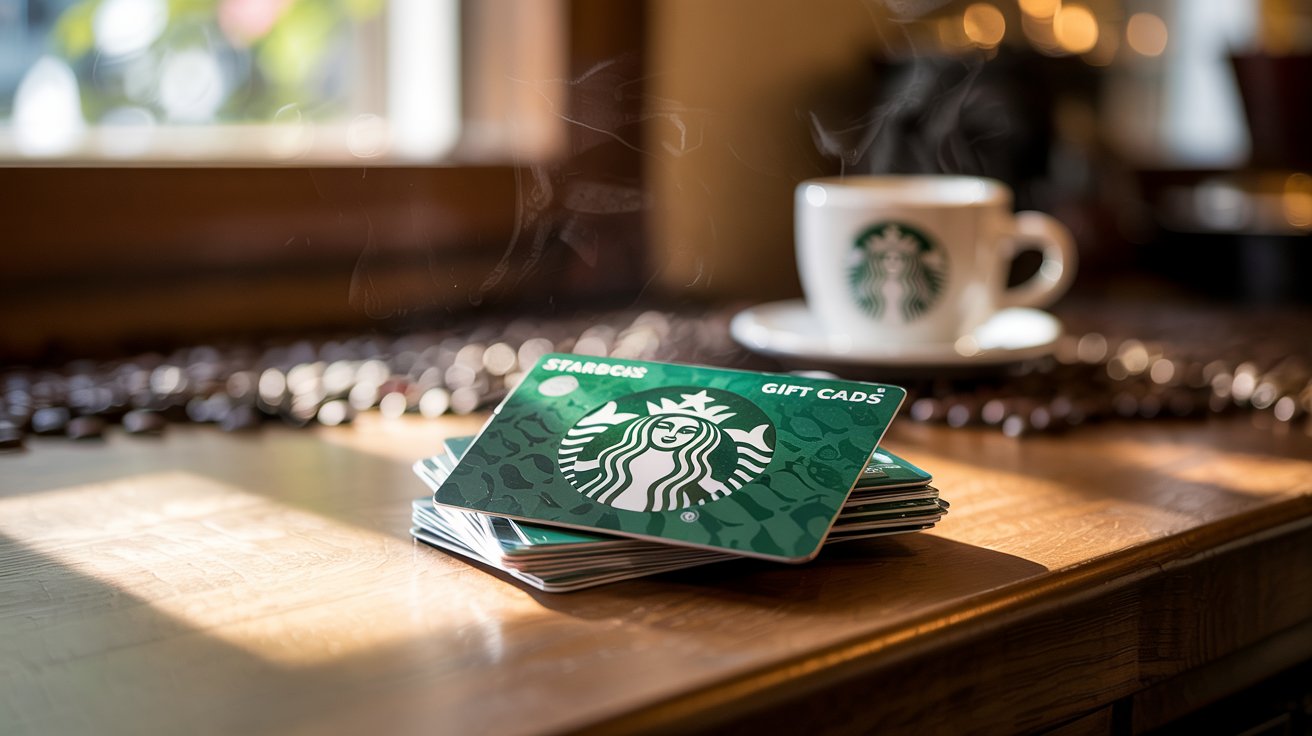
Starbucks gift cards are a popular way to enjoy your favorite drinks and snacks. But sometimes, you might wonder, “How do I check Starbucks gift card balance?” or “How to check Starbucks gift card balance without security code?” Luckily, there are simple methods you can follow. In this guide, we’ll cover all the ways to check your Starbucks gift card balance, whether online, in-store, or via the mobile app. By the end, you’ll always know exactly how much credit is on your card.
How to Check Starbucks Gift Card Balance Online
Checking your Starbucks gift card balance online is quick and safe. Simply visit the Starbucks Gift Card Balance page. Enter your card number and security code, then click “Check Balance.” Your current balance will display instantly.
This method is helpful when you are at home or planning your next Starbucks visit. You can also register your card online to track purchases, reload funds, or set up alerts. If you’re wondering “how do I check my Starbucks gift card balance?”, this is the easiest way.
How to Check Starbucks Gift Card Balance Without Security Code
Some users ask, “Can I check Starbucks gift card balance without security code?” The answer is yes, but options are limited. The easiest way is to visit a Starbucks store. A barista can check the balance using just the card number.
Alternatively, if your card is registered online, you may access the balance without manually entering the security code. Remember, for security reasons, Starbucks encourages using the code online. This ensures your card information stays safe.
| Subject | Starbucks Gift Card Management |
| Check Methods | Online, Mobile App, In-Store, Phone |
| Key Requirements | Card Number, Security Code (CSC) |
| Mobile Support | iOS and Android App |
| Top Benefit | Balance Protection & Easy Payments |
| Customer Care | 1-800-STARBUC |
Using the Starbucks Mobile App
The Starbucks mobile app is convenient for checking balances on the go. Download the app on iOS or Android, log in, and add your gift card. The app will display your current balance instantly and notify you of recent transactions.
Many users love this method because it allows easy reloading and mobile payments. This approach answers the question, “How to check balance on Starbucks gift card?” in a simple and modern way.
Checking Your Starbucks Gift Card Balance In-Store
You can always check your gift card balance directly at a Starbucks store. Just hand the card to the cashier, and they will scan it. The balance will appear on your receipt or the register screen.
This method is perfect if you don’t have access to the internet or the card’s security code. It’s also fast and doesn’t require any technical knowledge.
Using Starbucks Customer Service
If you face issues or lose your card, Starbucks customer service can help. Call 1-800-STARBUC (1-800-782-7282) and provide your card details. A representative will help you check the balance safely.
This method is particularly useful if your card is damaged or stolen. Always keep your card number handy to make the process faster.
How to Check the Balance on My Starbucks Gift Card
Whether it’s a gift from a friend or a personal purchase, knowing the balance is easy. Simply use one of the above methods: online, app, in-store, or by calling support.
If you are asking, “How to check the balance on my Starbucks gift card?”, the safest way is registering it online. This helps prevent loss and allows full control of your funds.
Benefits of Regularly Checking Your Starbucks Gift Card Balance
Regularly checking your Starbucks gift card balance helps avoid surprises when ordering. It also helps you plan your spending, track your rewards, and reload the card before it runs out.
Knowing your balance without waiting in line or worrying about the security code ensures you always enjoy a seamless Starbucks experience.
Common Mistakes to Avoid
Forgetting to register your gift card online, losing your security code, not checking the balance before large purchases, and ignoring app updates that allow balance tracking. Avoiding these mistakes ensures smooth usage and prevents any inconvenience.
Tips for Managing Your Starbucks Gift Card
Register online to protect your balance. Use the app to make transactions quick. Check frequently to prevent running out unexpectedly. Always reload safely using the official website or app only. Following these tips maximizes the value of your gift card and ensures a safe experience.
FAQs
1. How do I check Starbucks gift card balance without security code?
You can visit a Starbucks store or use a registered account in the app to check without entering the code.
2. Can I check my balance online without a Starbucks account?
Yes, but you’ll need the card number and security code to verify.
3. How often should I check my Starbucks gift card balance?
Check before every visit or after large transactions to stay updated.
4. What if my Starbucks gift card is lost or stolen?
Call Starbucks customer service immediately. Registered cards can be replaced with the remaining balance.
5. Can I reload my Starbucks gift card online?
Yes, the Starbucks website and app allow safe and instant reloading.
Conclusion
Checking your Starbucks gift card balance has never been easier. Whether online, via the mobile app, in-store, or by phone, you have multiple ways to stay informed. Regularly checking your balance ensures you enjoy every coffee moment without interruptions. Start today and never be caught off guard by a low balance.
Also Read More About This Post: Check Starbucks Gift Card Balance